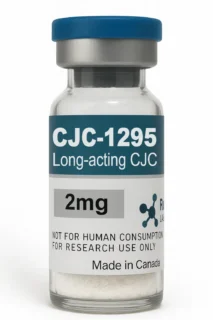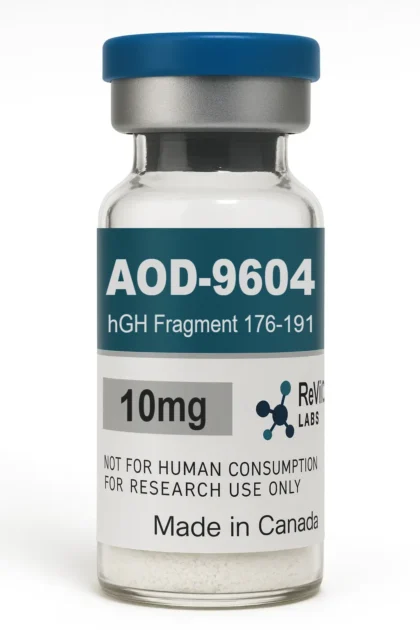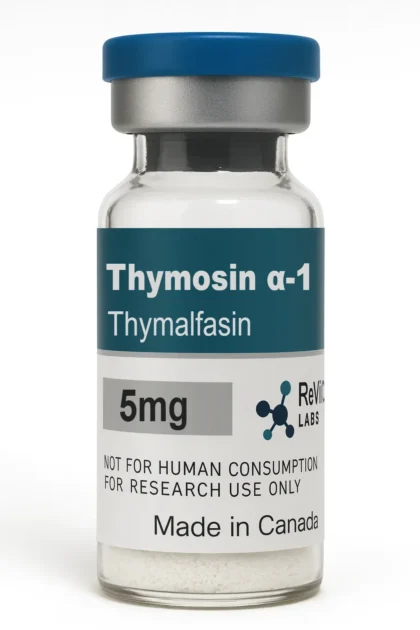

A lab report (often called a certificate of analysis, or COA) is the most important document that comes with a research peptide. It tells you whether the vial contains what the label says, how much of it, and how pure it is. This guide explains the figures you will usually see and what they do and do not tell you.
HPLC purity
High-performance liquid chromatography (HPLC) separates the components of a sample as it passes through a column. A detector, usually reading ultraviolet light at around 210–220 nm where peptide bonds absorb, records each component as a peak.
Purity is the area of the main peak as a percentage of the total area of all peaks. A result of 99% means that 99% of the UV-absorbing material in the sample is the main compound. The remaining 1% may be closely related impurities, such as shortened sequences or by-products of synthesis.
Two limits are worth knowing:
- HPLC purity alone does not prove which compound the main peak is. It only shows that one compound dominates.
- Material that does not absorb UV light, such as water or salts, does not appear in the purity figure.
Measured content (quantity per vial)
Many reports also state how much peptide was found in the vial, for example “10.4 mg” for a vial labelled 10 mg. This is a separate question from purity: a vial can be 99% pure but under-filled. For researchers who need accurate concentrations, the measured content matters as much as the purity.
Small differences from the label are normal. Lyophilized peptides also contain some water and counter-ions (such as acetate or trifluoroacetate) left over from purification, so the total powder weight is not the same as the amount of peptide.
Identity: mass spectrometry
Mass spectrometry (MS), often combined with liquid chromatography as LC-MS, measures the molecular mass of the compound. If the measured mass matches the expected mass of the peptide, this confirms its identity. Where a report includes MS data, it answers the question HPLC cannot: is the main peak really the right molecule?
Batch details and dates
A useful report is tied to something you can check:
- The testing laboratory’s name, ideally an independent lab.
- The date of testing.
- A sample, batch or lot reference, or at least the compound and the stated amount.
Independent labs such as Janoshik Analytical allow reports to be verified against their own records, which makes an edited or reused report much harder to pass off.
Red flags
- No testing lab named, or only the manufacturer’s own certificate.
- Purity given without any chromatogram or method.
- The same report used for several different products or years of stock.
- Reports only available on request, with long delays.
ReVICO lab reports
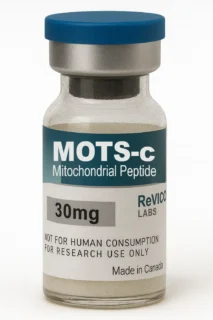
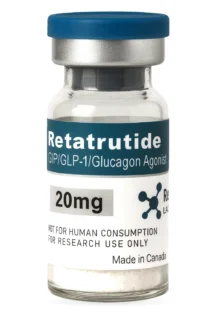
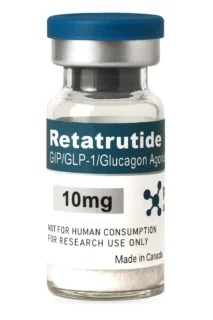
ReVICO publishes independent Janoshik reports for its products. You can find them on each product page and on our Lab Testing page. For more on choosing a supplier, see Research Peptides in Canada: How to Choose a Reliable Supplier.
All ReVICO Labs products are supplied for laboratory research use only. They are not for human or veterinary consumption and are not approved by Health Canada for therapeutic or diagnostic use.